
Description
Product Overview
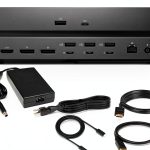
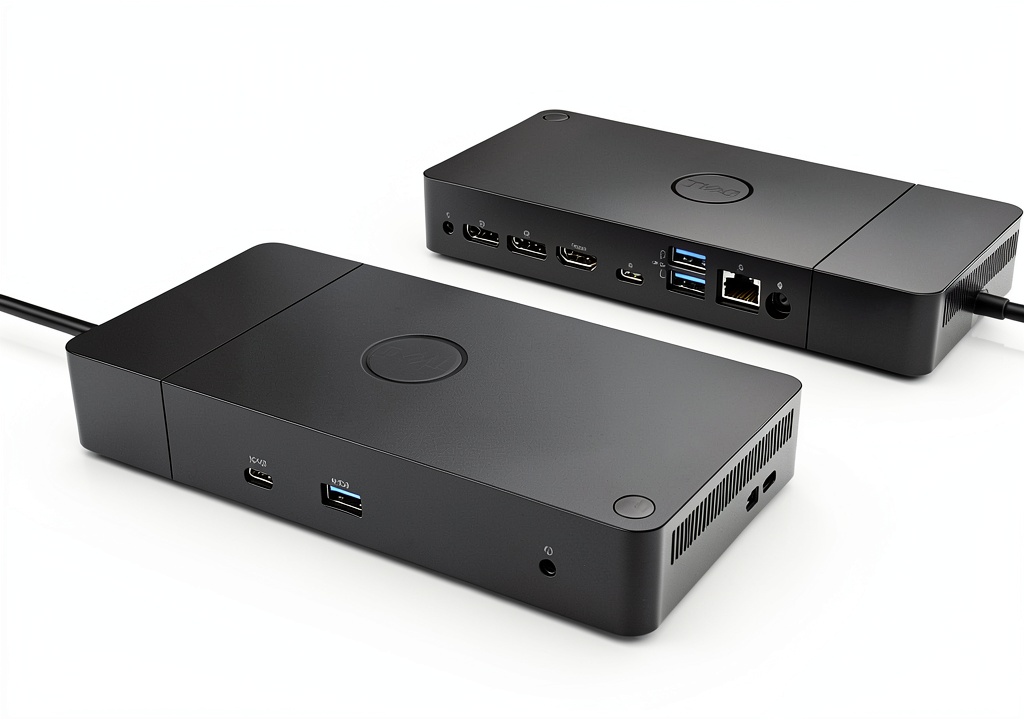
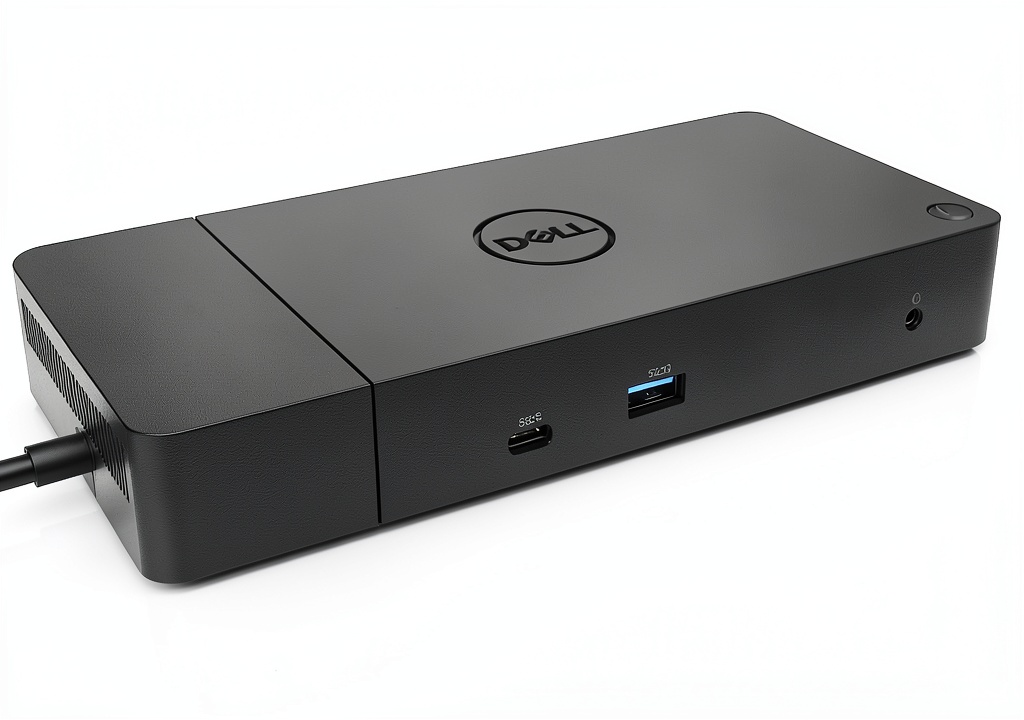
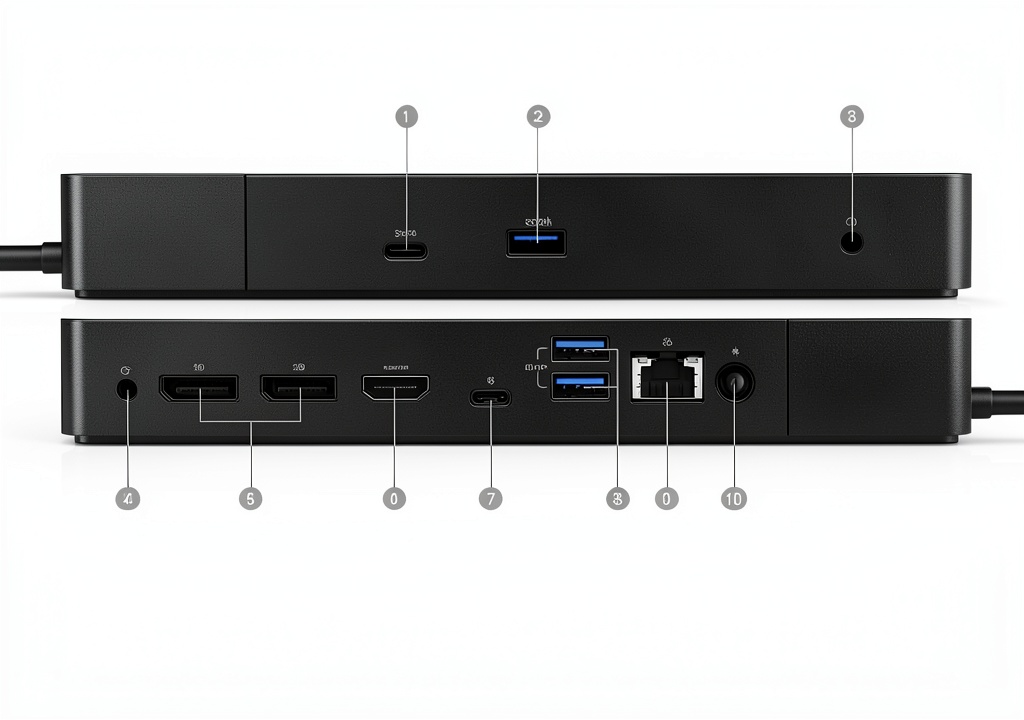
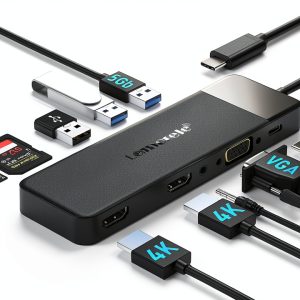
The Dell 130W USB‑C docking station is engineered for modern laptops, offering a compact yet powerful solution to extend connectivity. Built with a sturdy aluminum chassis, it features a single USB‑C host connection that delivers up to 130 watts of power, ensuring your laptop stays charged while you work. Integrated ports include 1× USB‑C 3.1 Gen 2, 3× USB‑A 3.1 Gen 1 (one with PowerShare), 2× DisplayPort 1.4, 1× HDMI 2.0b, 1× Gigabit Ethernet RJ45, and audio combo jacks, covering all typical peripheral needs.
Usage
Designed for professionals, remote workers, and creators, this dock fits seamlessly into home offices, co‑working spaces, and conference rooms. Connect your laptop once and instantly gain dual‑4K monitor support, wired network stability, and fast data transfer for external drives. Whether you’re presenting, editing video, or simply expanding storage, the dock’s versatile ports keep your workflow uninterrupted. 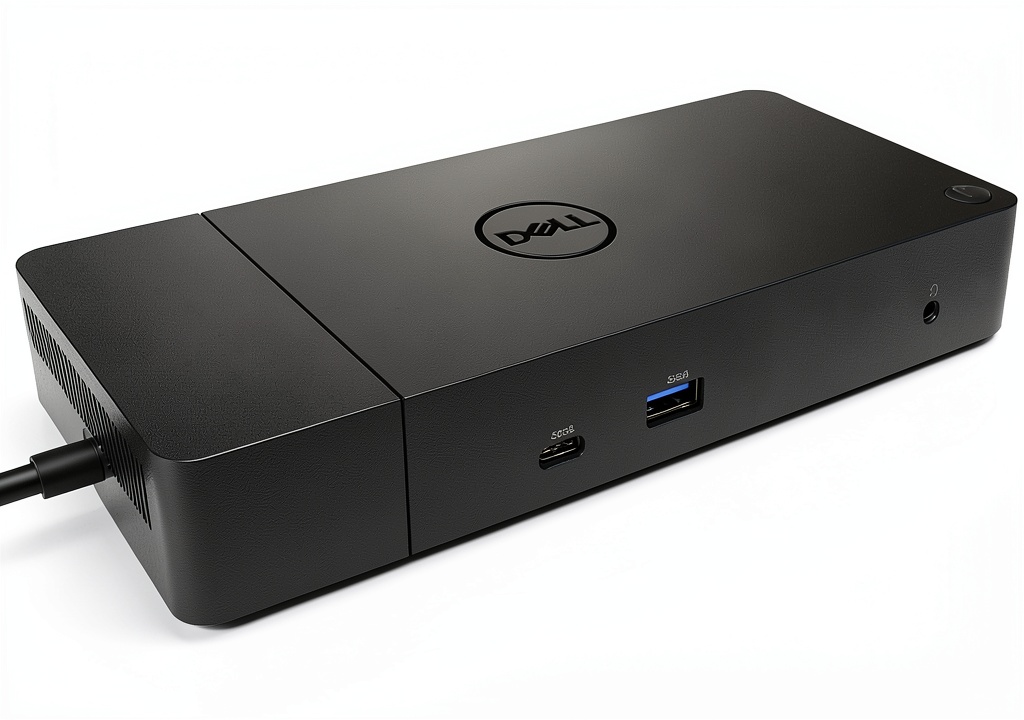
Why Choose Us
Dell’s reputation for reliability backs this docking station with rigorous testing and a one‑year warranty. The 130W power delivery surpasses many competitors, eliminating the need for a separate charger. Aluminum construction provides durability and heat dissipation, while the compact footprint saves desk space. Compatibility with a wide range of USB‑C laptops ensures future‑proof investment.
Key Features
- 130W Power Delivery keeps your laptop charged while docked
- Dual 4K video output via HDMI 2.0b and DisplayPort 1.4
- Gigabit Ethernet for stable, high‑speed wired networking
- Three USB‑A 3.1 ports plus a PowerShare‑enabled USB‑A for device charging
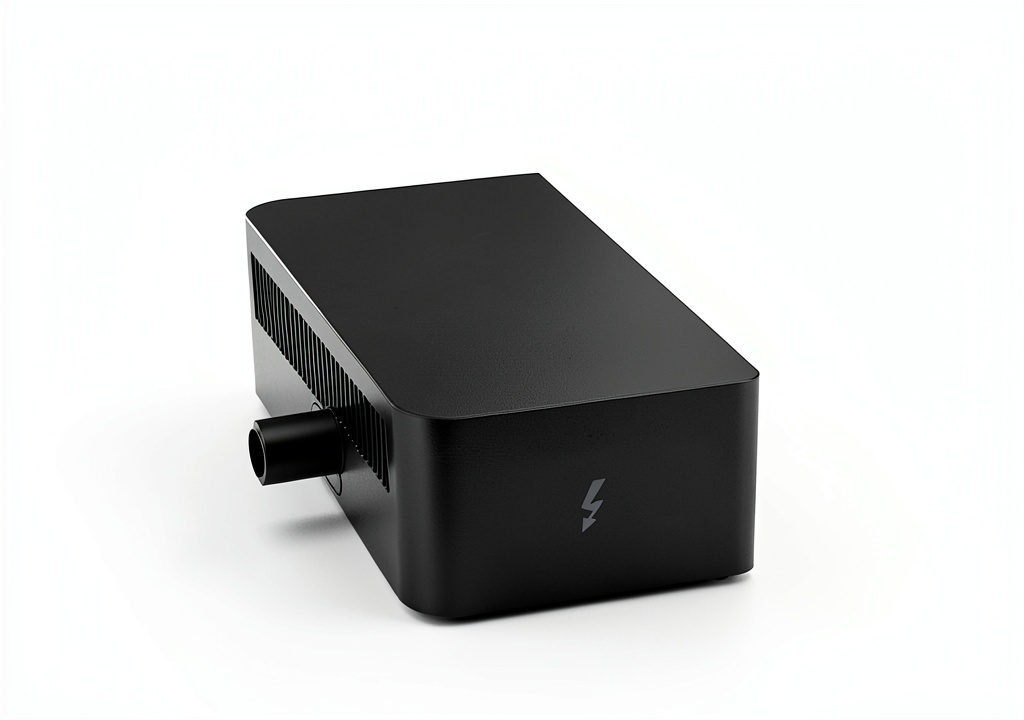
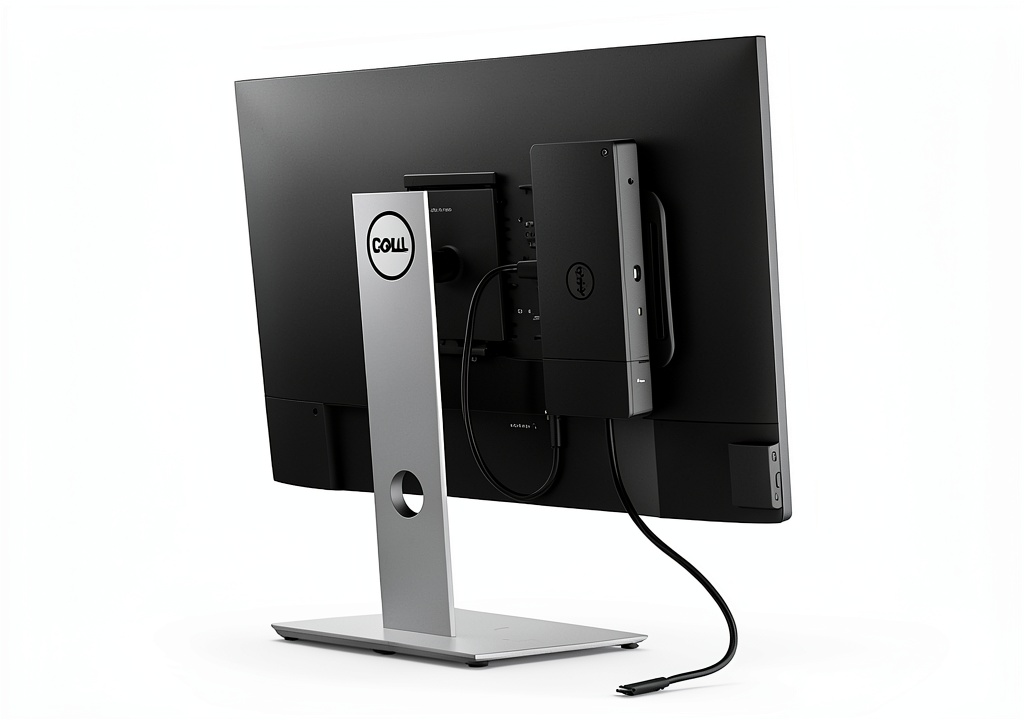
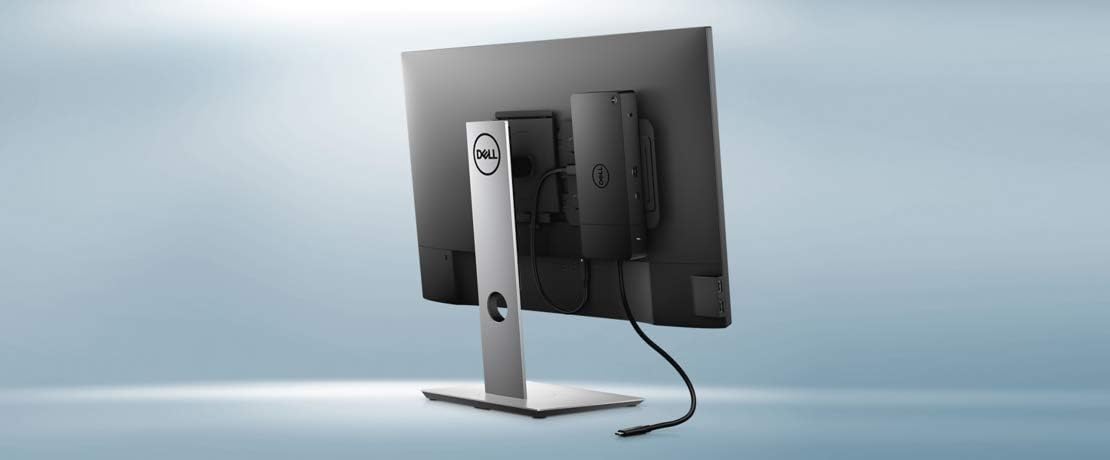
- Compact aluminum design with integrated cable management
FAQ
Is this dock compatible with all USB‑C laptops?
The dock works with any laptop that supports USB‑C with DisplayPort Alternate Mode and Power Delivery. Check your device specifications for compatibility.
Can I charge my laptop and peripherals simultaneously?
Yes, the 130W Power Delivery charges the host laptop while the PowerShare USB‑A port can charge phones or tablets.
What video resolutions are supported?
It supports up to 4K@60Hz on a single monitor via HDMI or DisplayPort, or dual 4K@30Hz when using both video outputs.
Do I need any additional drivers?
Most operating systems recognize the dock automatically. For optimal performance, install Dell’s latest Docking Station driver from their support site.
How is the dock powered?
The dock includes a 130W AC adapter (120/230 V, 50/60 Hz) that connects to the docking interface via USB‑C.
 Kindle Edition The Supernatural World by Author Name – 64‑Page eBook
  Evolution of Primates Kindle eBook by Amazon Scientific Series
  Ergonomic Office Chair Mesh Design ComfortCo
 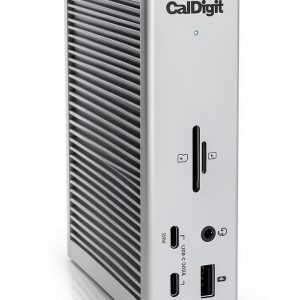 CalDigit TS4 Laptop Docking Station
Reviews
There are no reviews yet.