

Description
Product Overview
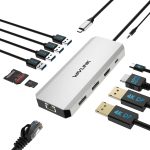
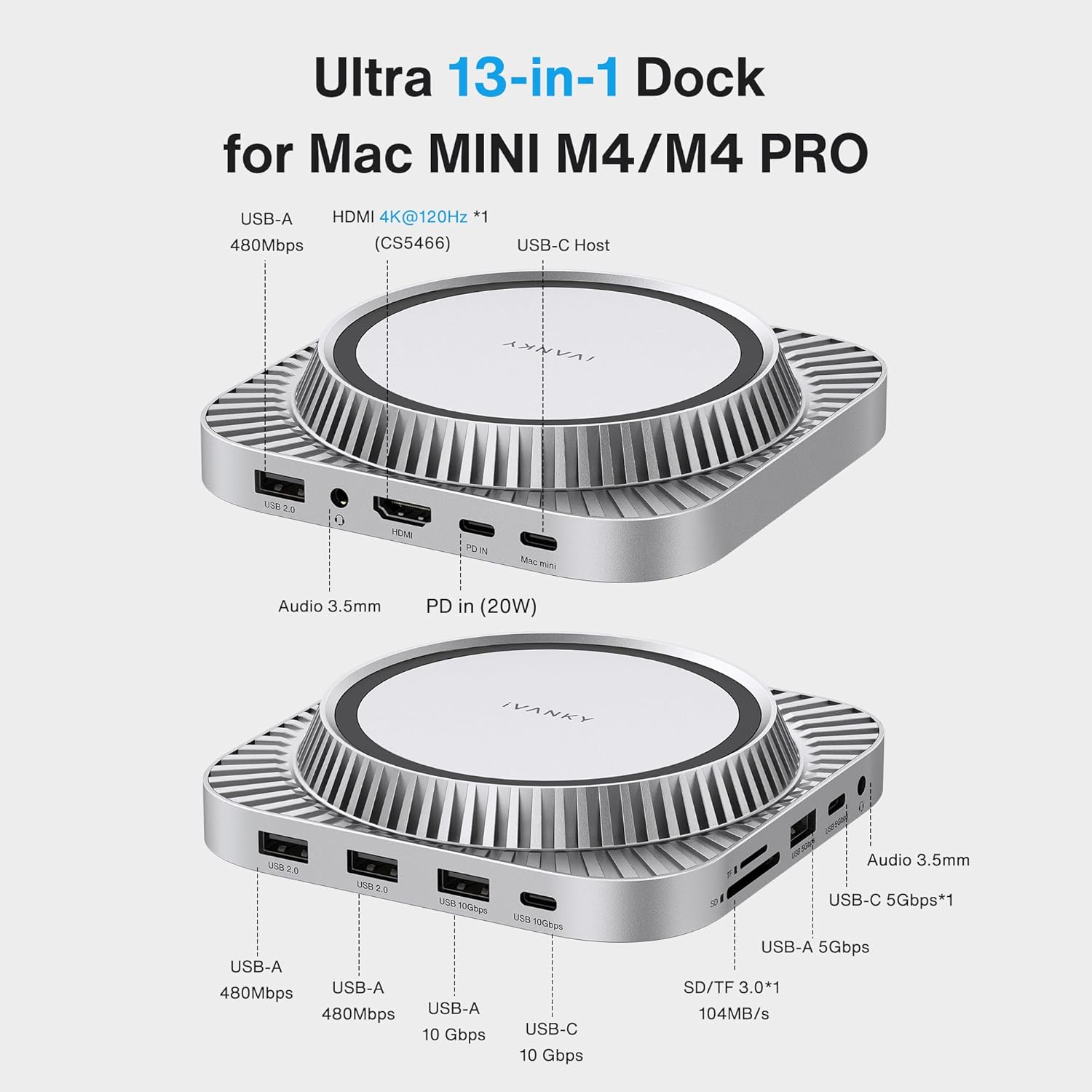
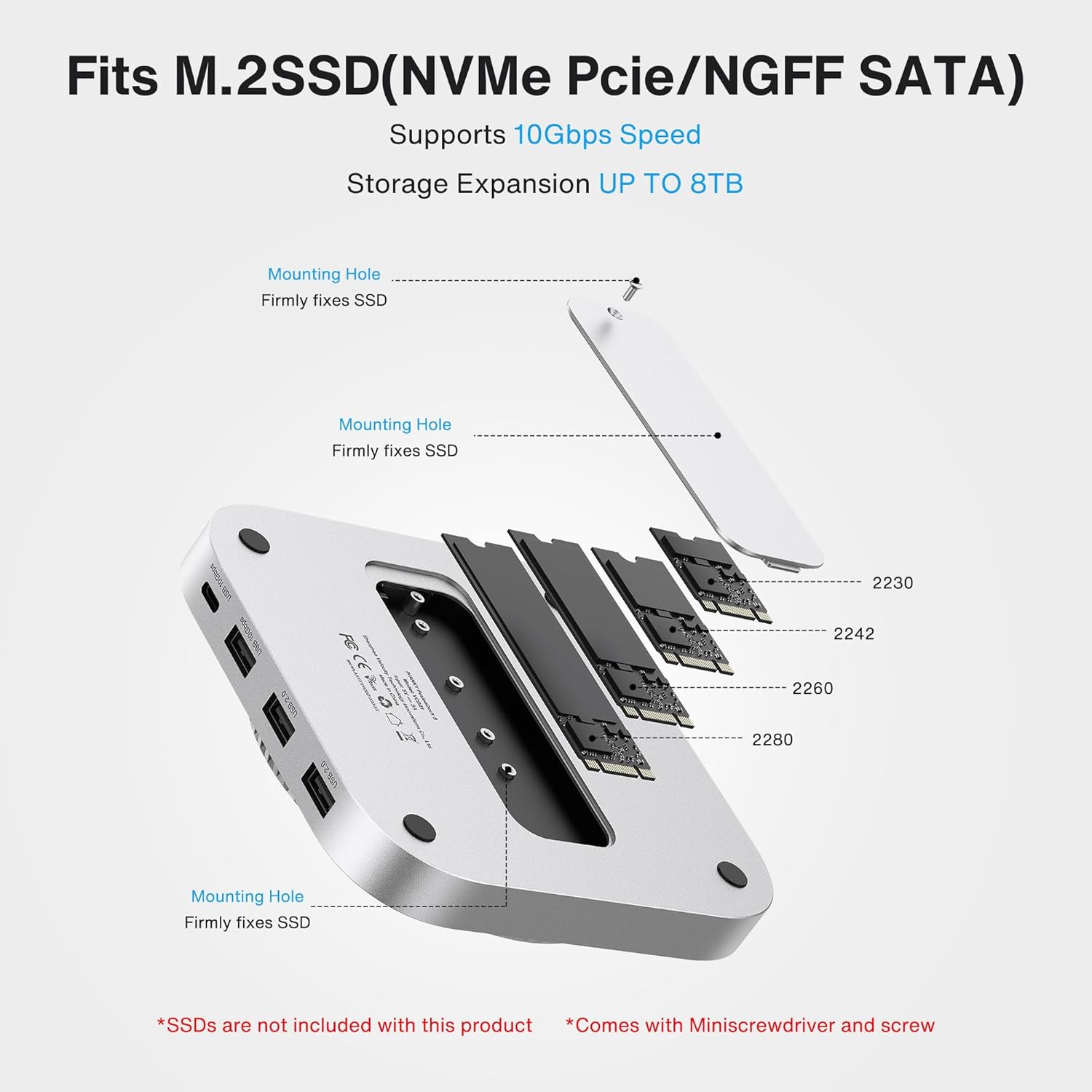
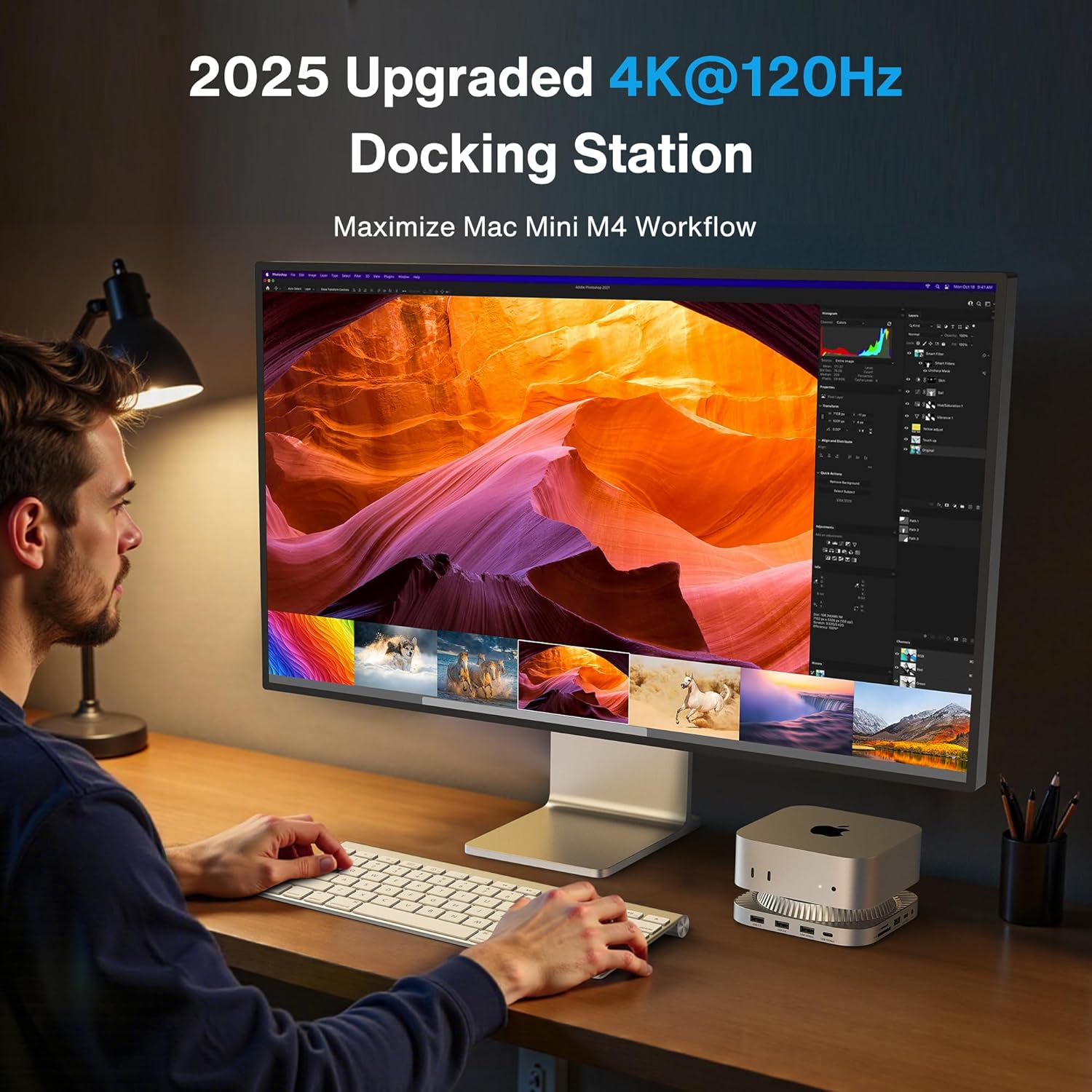
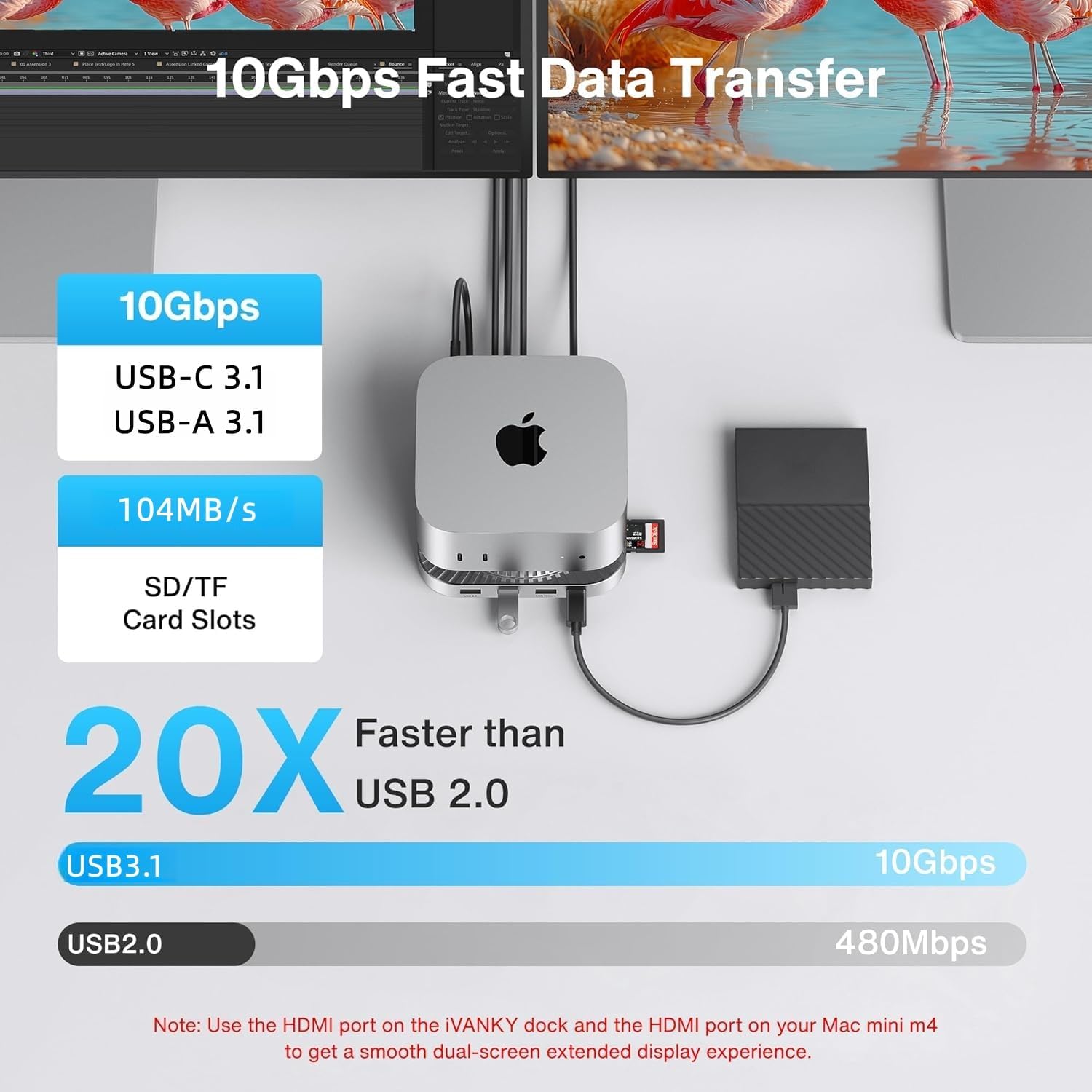
The iVANKY 13-in-1 Docking Station is engineered specifically for the Mac Mini M4, delivering a comprehensive connectivity solution in a compact silver chassis. It combines a 4K@120Hz HDMI output, two 10Gbps USB‑C ports, two 5Gbps USB‑A ports, and additional legacy ports such as Ethernet, SD card reader, and audio jacks. The dock supports M.2 SSDs up to 8TB, ensuring ample storage for demanding workflows. Built with a top‑vent cooling system and a 20W PD power adapter, it maintains optimal temperature while supplying sufficient power to connected peripherals.
Usage
Designed for creative professionals, software developers, and home office users, this dock fits seamlessly into any workspace. Connect your Mac Mini M4 to a 4K monitor for video editing, link high‑speed external drives for large file transfers, or attach multiple peripherals for a clutter‑free desk. The elevated design creates airflow beneath the Mac Mini, enhancing cooling during intensive tasks. 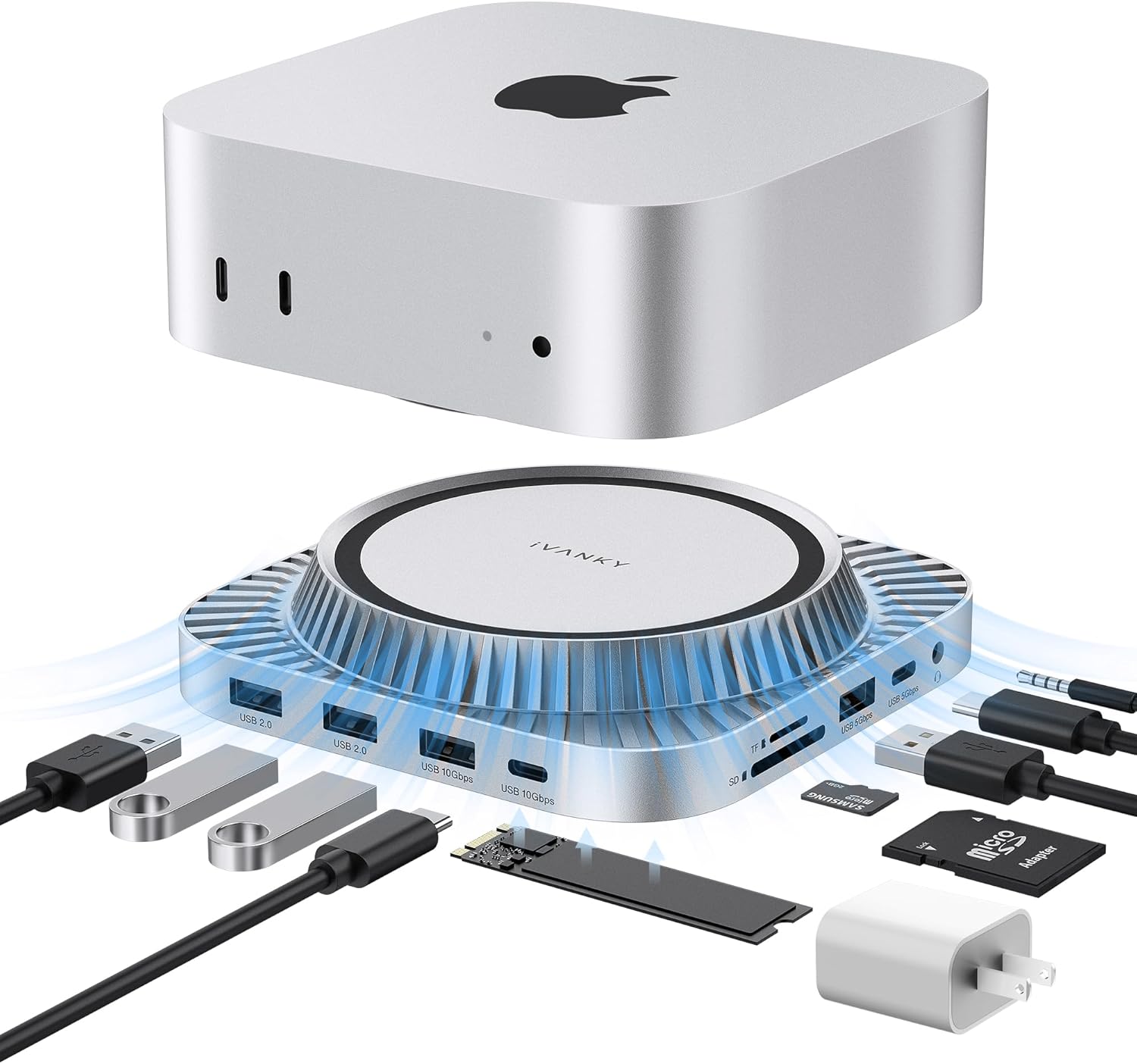
Why Choose Us
iVANKY combines precision engineering with premium materials to deliver a reliable docking solution. Each unit undergoes rigorous quality testing, ensuring stable data transmission and consistent power delivery. The sleek silver finish matches Apple’s aesthetic, while the modular cable set simplifies installation. Backed by a manufacturer with extensive experience in electronics, the dock offers a warranty and responsive customer support.
Key Features
- 4K@120Hz HDMI output for ultra‑smooth high‑resolution visuals.
- Dual 10Gbps USB‑C and USB‑A ports for rapid data transfer and charging.
- Supports M.2 SSDs up to 8TB, compatible with 2230/2242/2260/2280 form factors.
- 20W PD power adapter ensures stable power for multiple high‑draw devices.
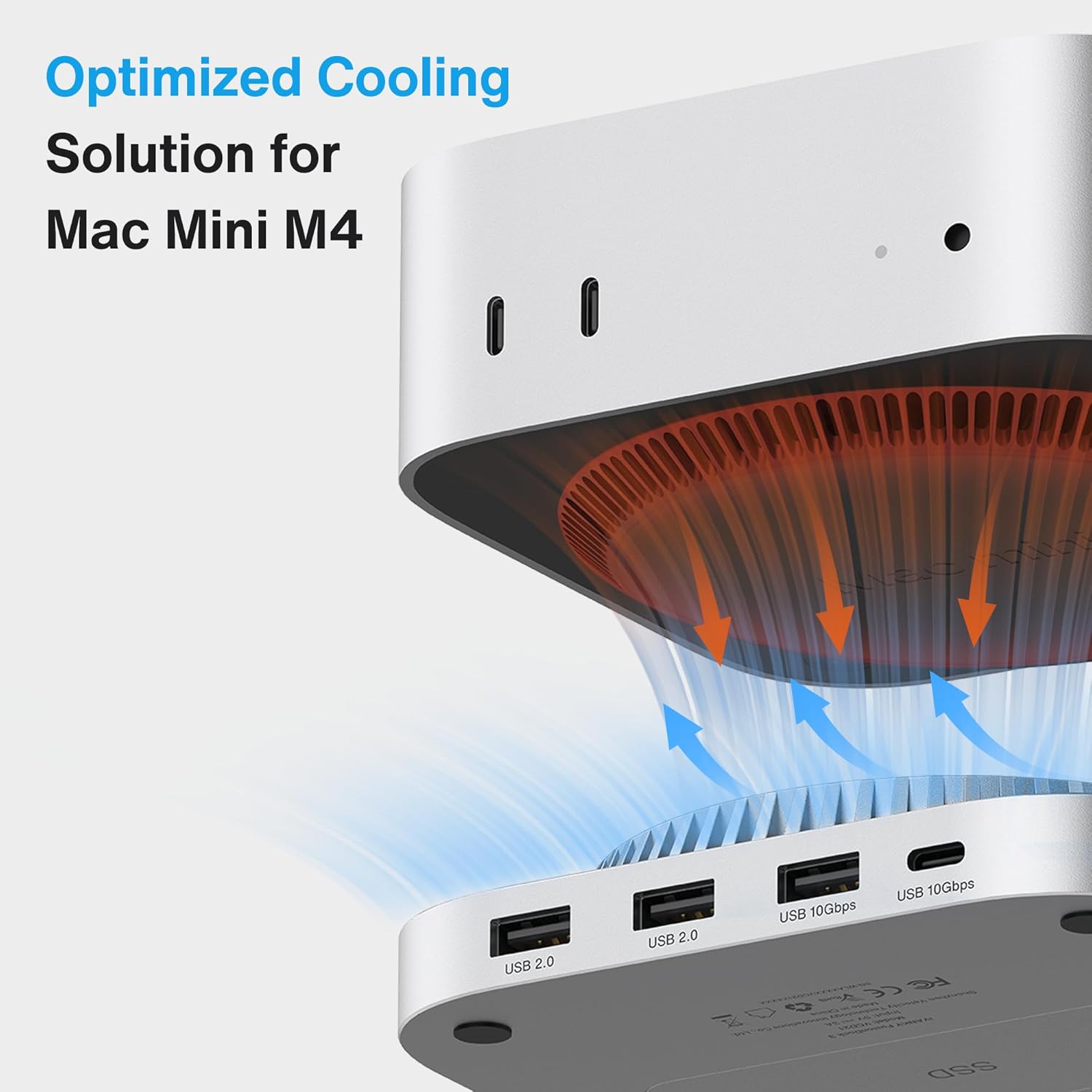
- Top‑vent cooling design elevates the Mac Mini for improved airflow.
FAQ
Is this dock compatible with Mac Mini M1?
The dock is optimized for the Mac Mini M4. While it may physically connect to M1 models, certain features like dual‑screen support may not function correctly.
Can I use the dock with Windows laptops?
Yes, the dock works with any device that supports USB‑C Power Delivery and DisplayPort Alt Mode, but dual‑monitor functionality is limited to macOS devices.
What is the maximum power output for charging devices?
The 20W PD adapter provides up to 20W of power, suitable for charging smartphones, tablets, and low‑power peripherals.
Do I need additional cables for the HDMI connection?
No additional cables are required; the dock includes a built‑in HDMI port that supports 4K@120Hz.
How does the cooling system work?
The dock’s top‑vent design lifts the Mac Mini, allowing natural airflow to reach the bottom fan, reducing thermal throttling during heavy workloads.
 Amazon Kids' Ape & Monkey Science eBook 2nd Edition – 41 Pages
  Nanotech Evolution Kindle eBook by William Collins and 432 Pages
Reviews
There are no reviews yet.