
Description
Product Overview
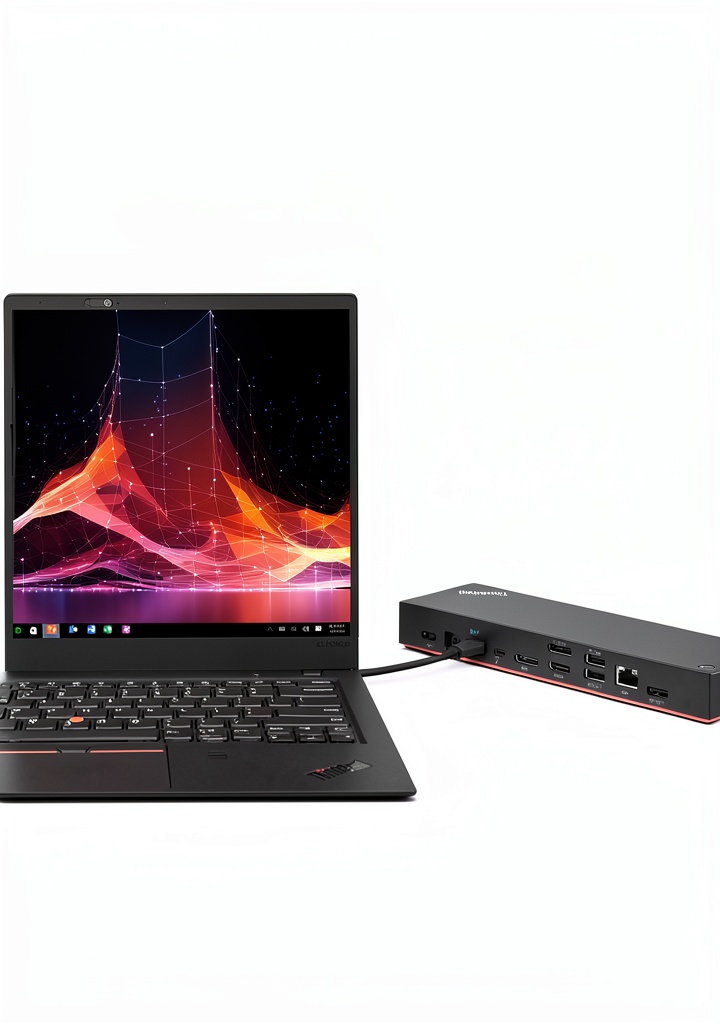
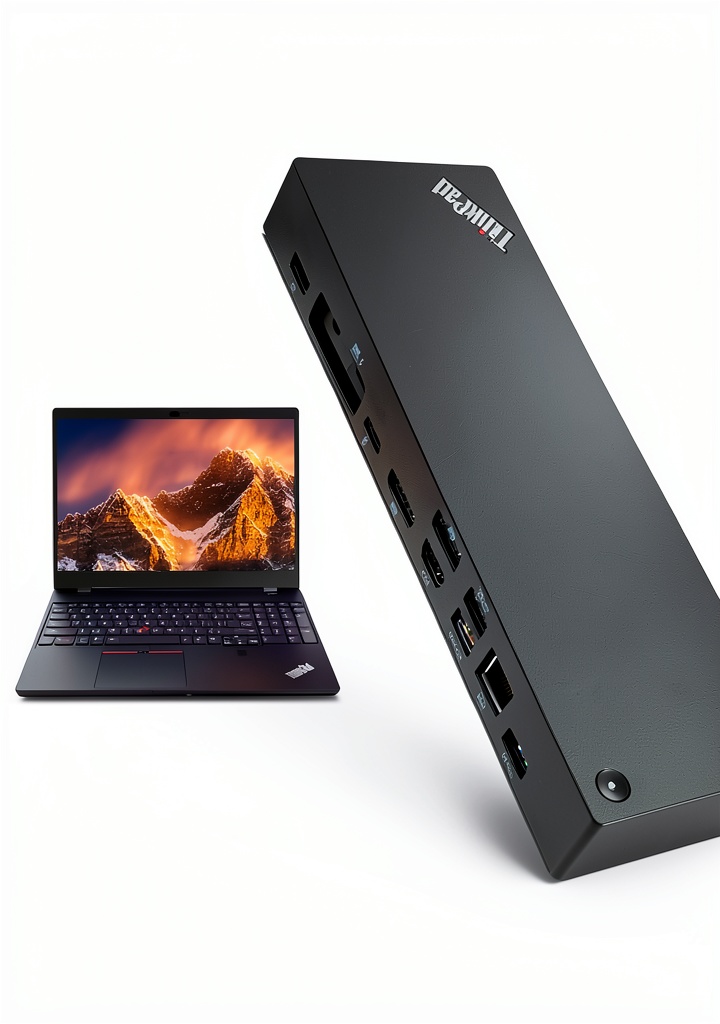
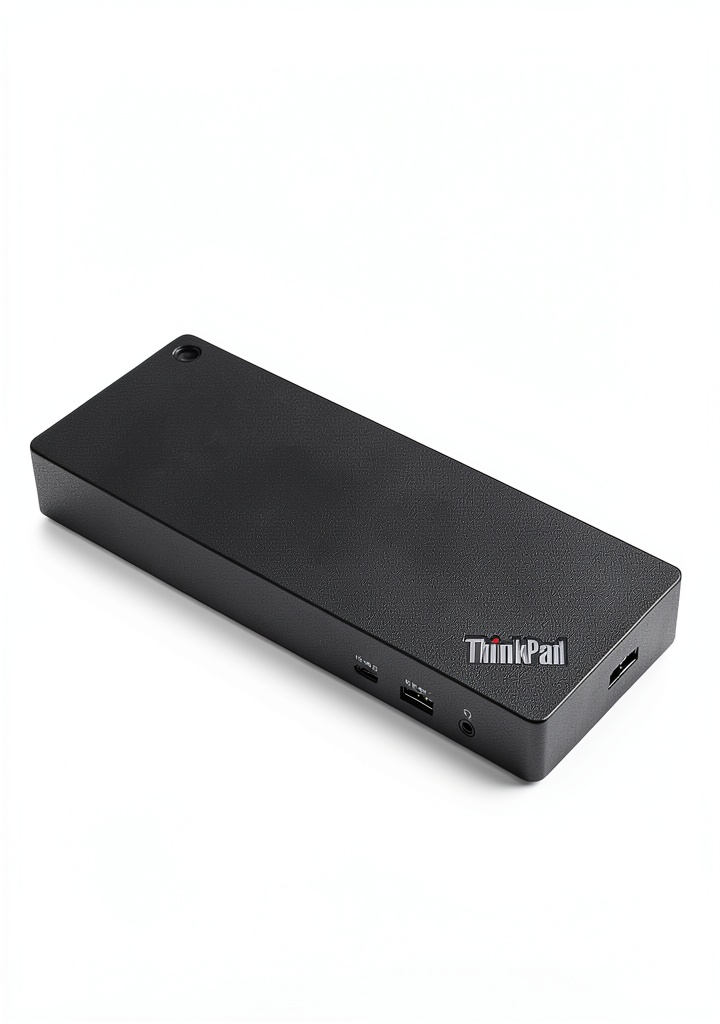
Lenovo’s ThinkPad Thunderbolt 4 Dock is a powerhouse of productivity, offering a single Thunderbolt cable that can support up to four 4K @ 60 Hz displays, 8K @ 30 Hz display, and lightning-fast 40 Gbps transfer speeds. 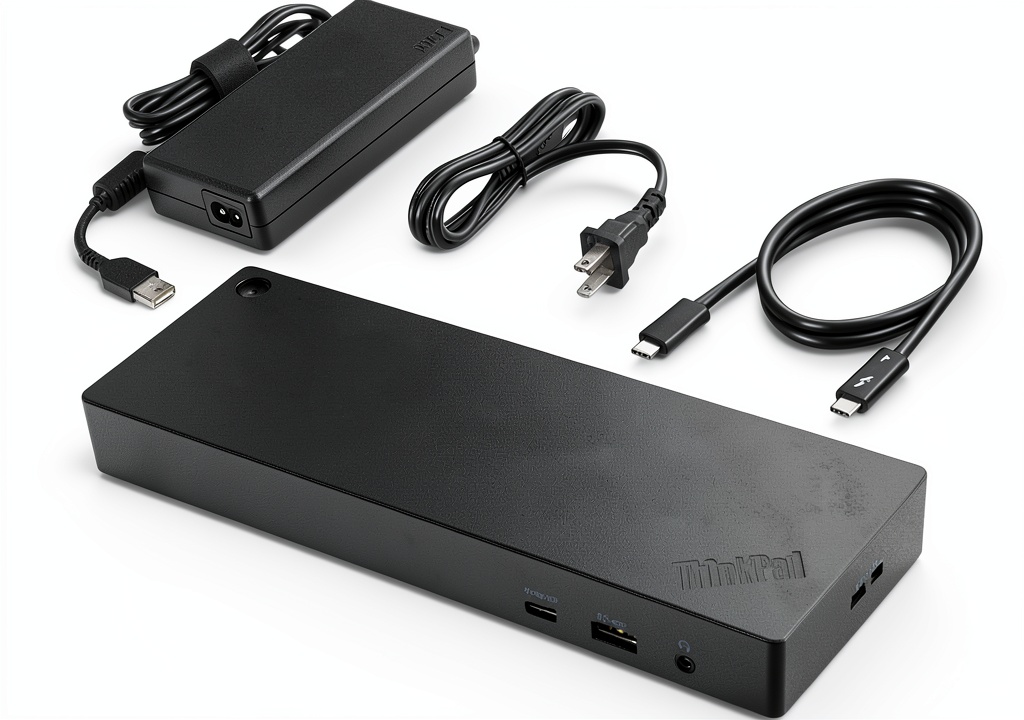
Usage
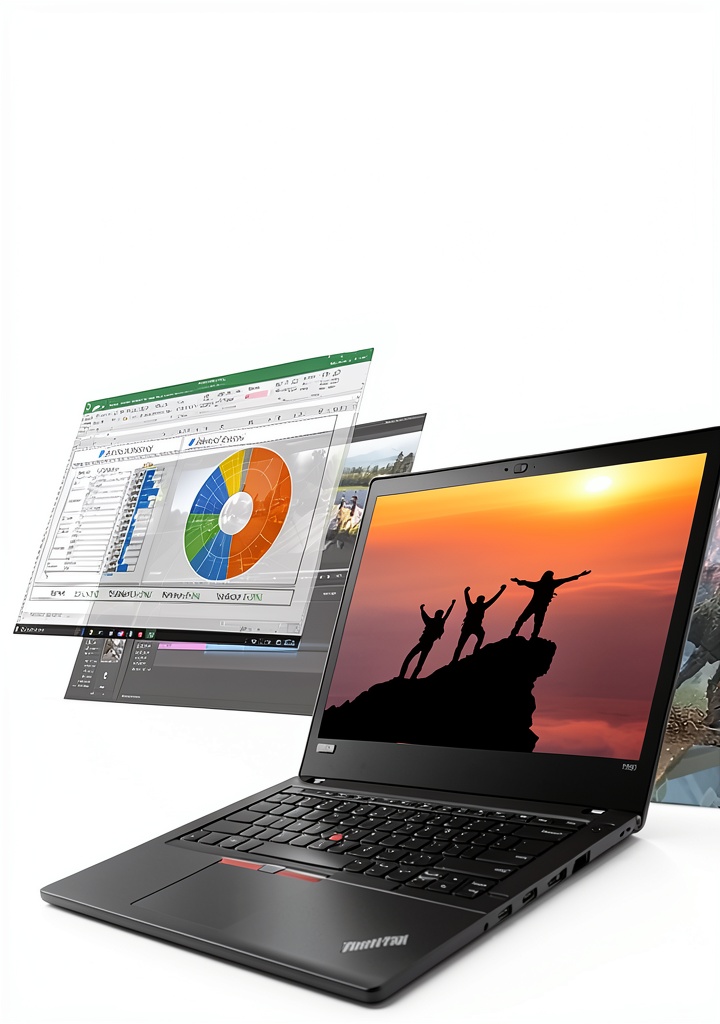
The ThinkPad Thunderbolt 4 Dock is designed for professionals and creatives who require high-performance docking solutions. It’s perfect for those working in video editing, graphic design, or software development, as well as for business users who need to connect multiple monitors and devices.
Why Choose Us
Lenovo’s ThinkPad Thunderbolt 4 Dock stands out from the competition with its limitless adaptability, supporting up to 100W PD and unrivaled performance on all Thunderbolt 4 devices. Our dock is built with high-quality materials and designed for durability, ensuring a long lifespan and minimal maintenance.
Key Features
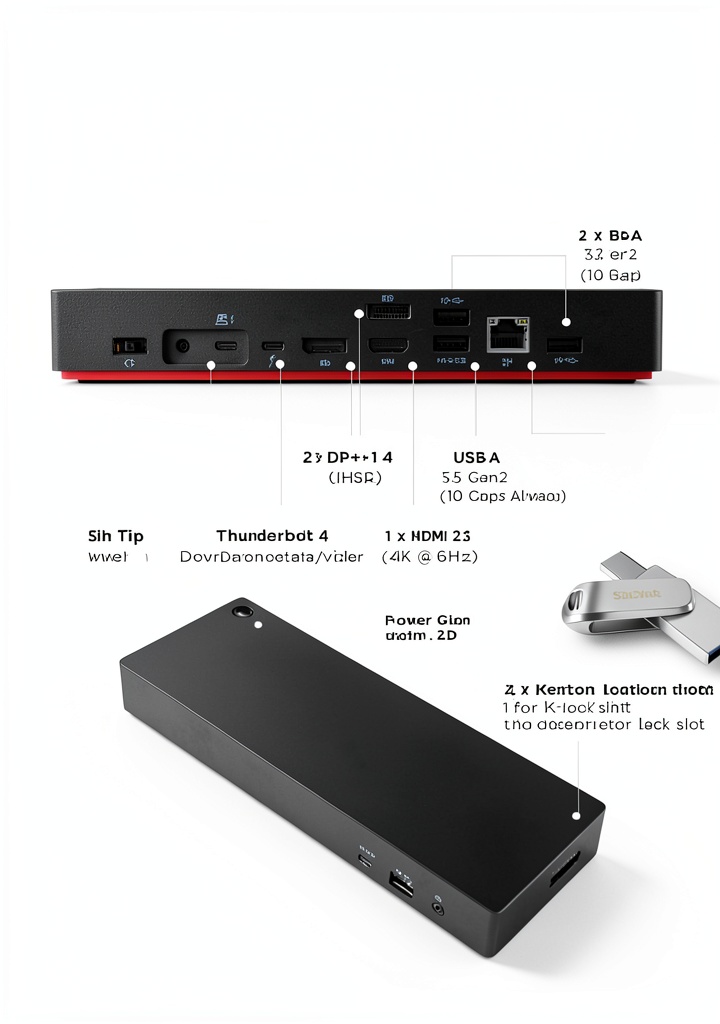
- Supports up to four 4K @ 60 Hz displays or one 8K @ 30 Hz display
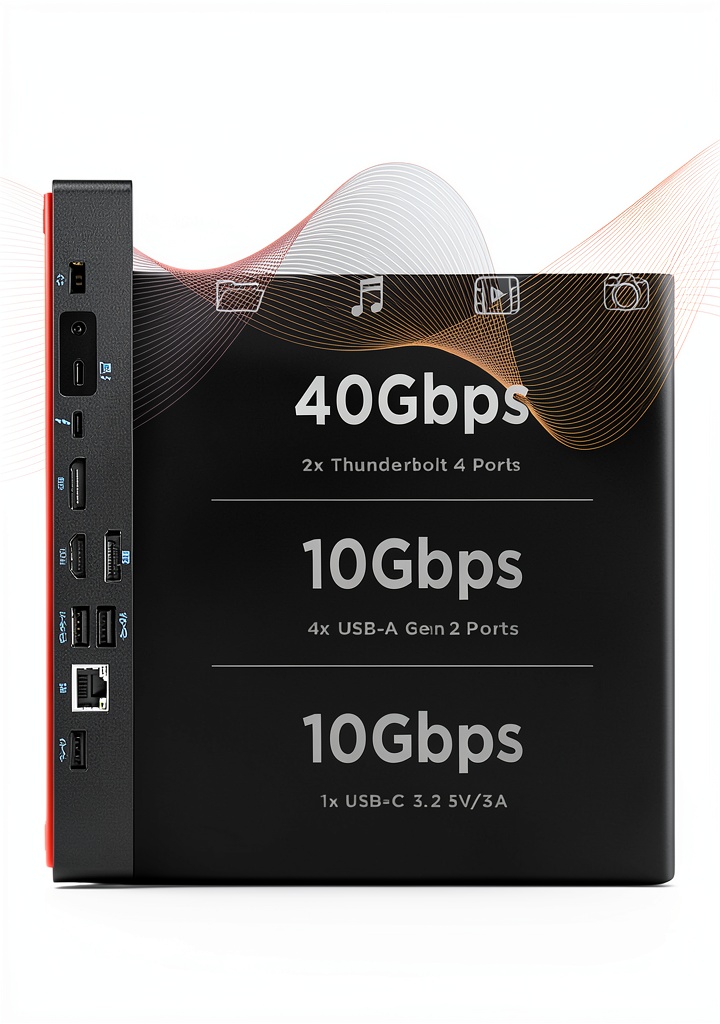
- Lightning-fast 40 Gbps transfer speeds
- Up to 100W PD for seamless charging
- Thunderbolt 4 downstream port for connecting devices
- Four USB 3.1 Gen 2 ports for connecting peripherals
FAQ
What is the maximum number of displays supported by the ThinkPad Thunderbolt 4 Dock?
The ThinkPad Thunderbolt 4 Dock supports up to four 4K @ 60 Hz displays or one 8K @ 30 Hz display.
Can I use the ThinkPad Thunderbolt 4 Dock with my existing Thunderbolt 3 devices?
Yes, the ThinkPad Thunderbolt 4 Dock is compatible with Thunderbolt 3 devices, but you may need to use an adapter to take full advantage of the dock’s features.
How do I update the firmware on my ThinkPad Thunderbolt 4 Dock?
You can update the firmware on your ThinkPad Thunderbolt 4 Dock using the Dock Manager software, which can be downloaded from the Lenovo website.
 Evolution of Primates Kindle eBook by Amazon Scientific Series
Reviews
There are no reviews yet.